Desktop softwareDaftar accounting
Desktop accounting for multi-warehouse businesses that never needs the internet
Daftar is our own Windows accounting product, with double-entry books, sales, purchases, inventory across warehouses and payroll, all offline, plus an encrypted online backup.
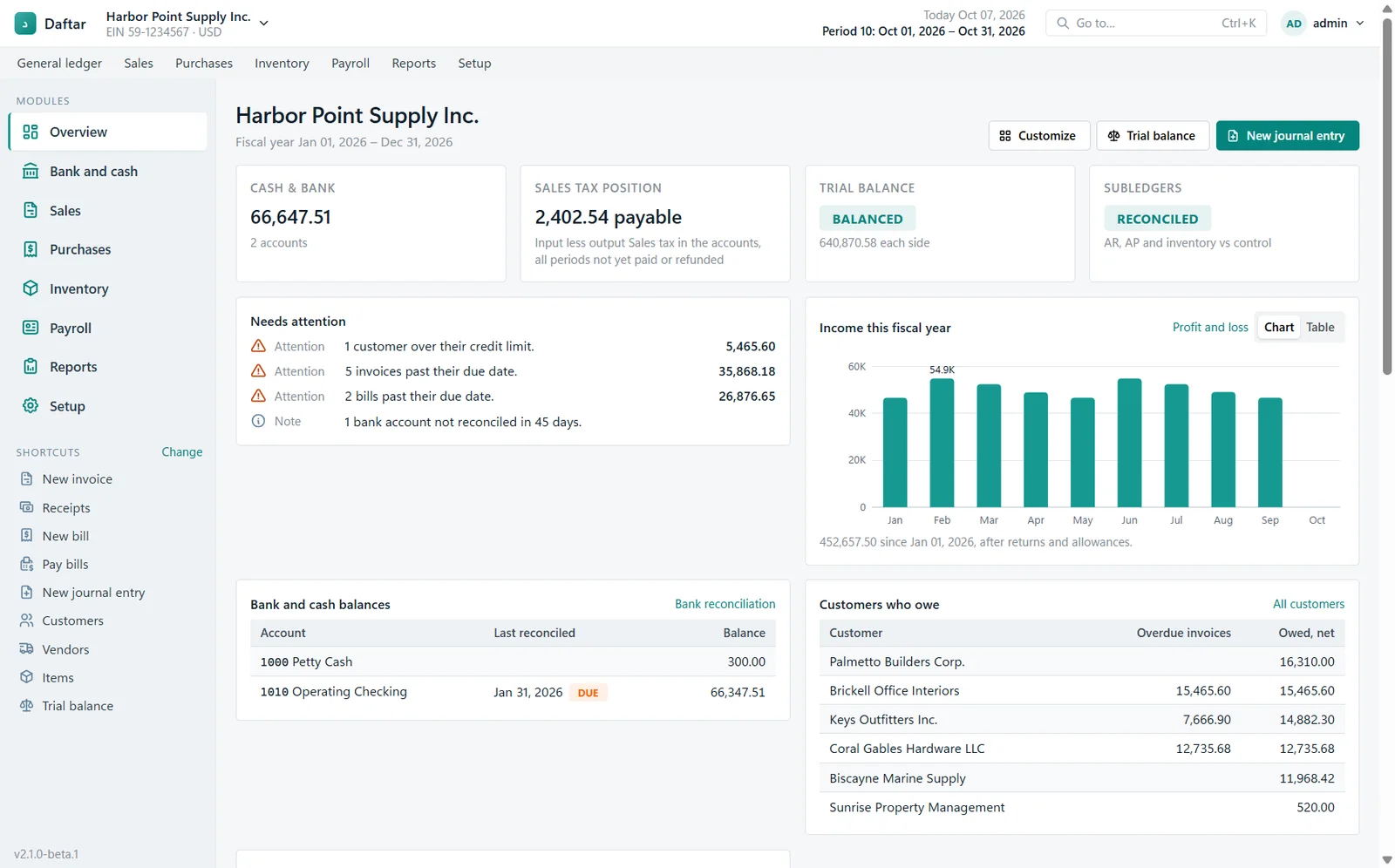
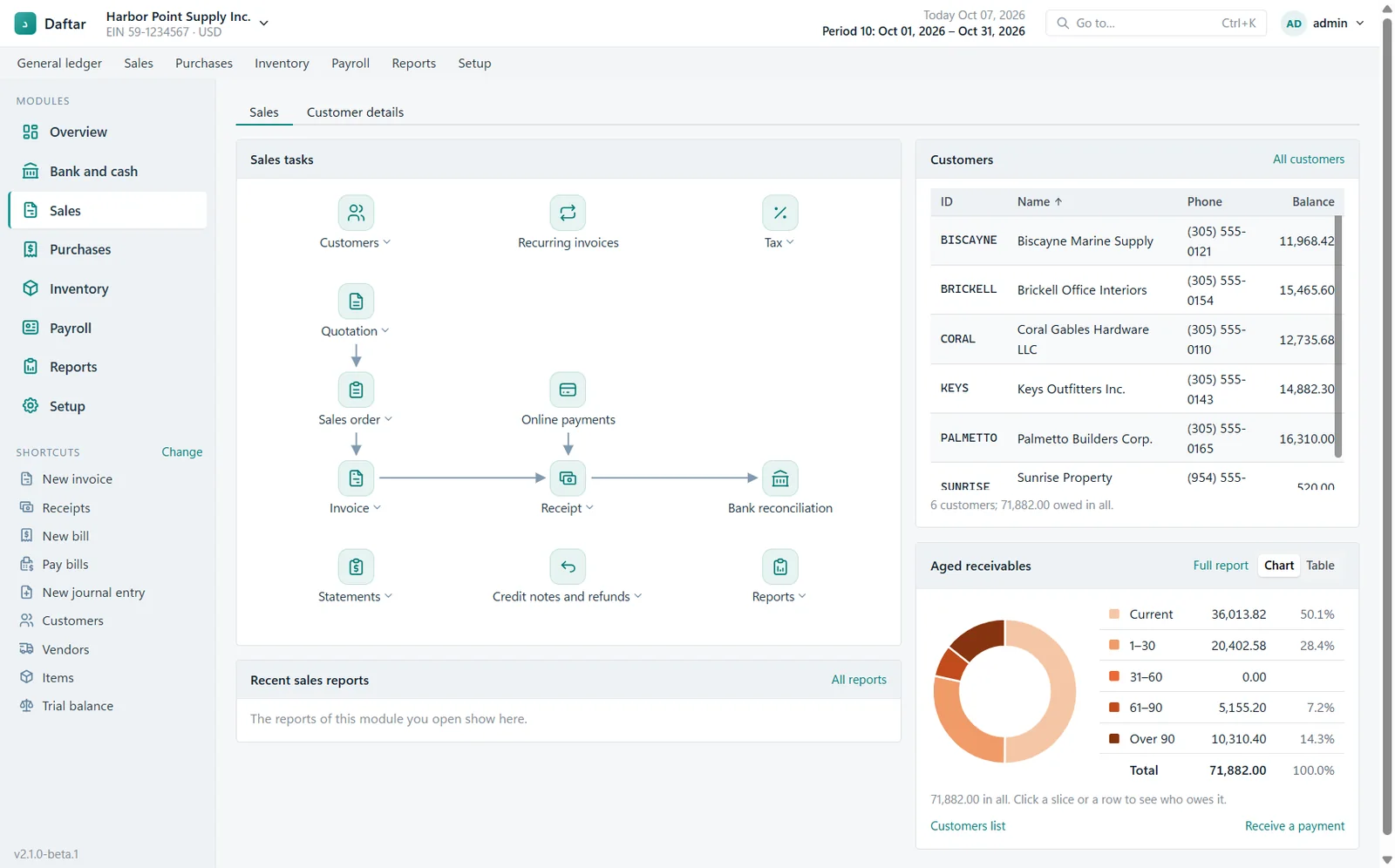
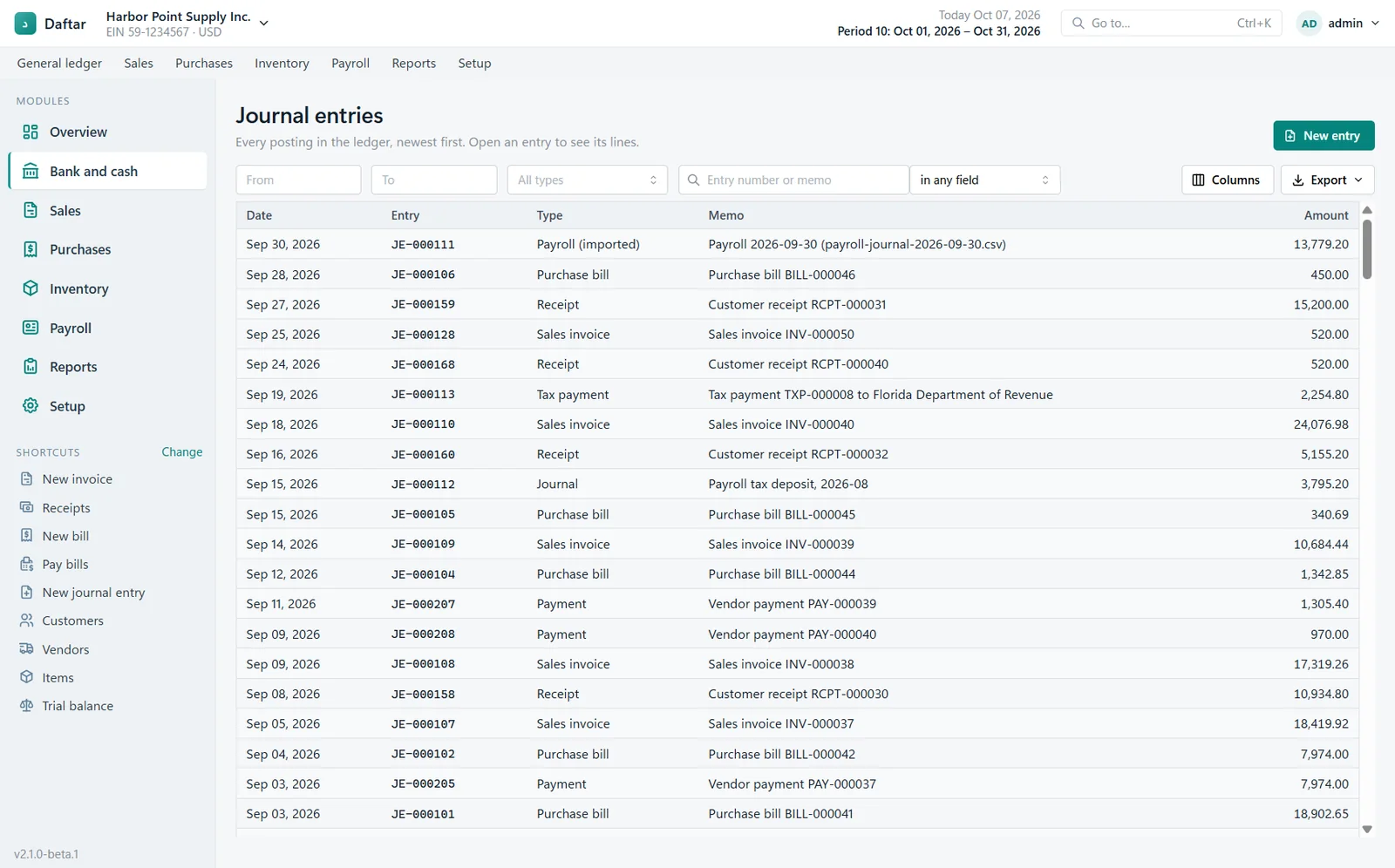
Screens from the working product, with sample data.
How it works
- Day-to-day entry Invoices, bills, stock, payroll
- Local database Works with no internet
- Encrypted backup Uploaded when a connection is available
- Reports Trial balance, profit and loss, receivables
- Client
- Our own product
- Year
- 2026
- Platforms
- Windows
- Built with
- TypeScript, Electron, React, SQLite, Mantine
- Team
- Awais Tariq
Daftar is built for small offices that want proper double-entry accounting on their own computer. It follows the workflow people know from the classic desktop accounting tools, with a cleaner interface of our own.
What we built
- General ledger with journal entries, recurring entries and bank reconciliation
- Sales from quotation to order, invoice, receipt and credit note, with aged receivables
- Purchases, bills and vendor payments
- Inventory across several warehouses, with transfers between them
- Payroll, a dashboard that flags what needs attention, and a full set of reports
- Signed Windows installers, licence activation and a kit for resellers
What was hard
A general core with country packs. The core never hard-codes a country, currency, tax name or number of decimals. Those come from the company’s settings and a country pack, so the same app serves businesses in the US and the UAE. The UAE pack, with VAT and its return, was the first one built.
Shipping desktop software safely. Every release is tested as an installed app before it goes out: a fresh install, an upgrade from the previous version and reopening an existing company file. A bad update on someone’s only accounting PC is not something we can patch from a server.